Boardroom and meeting-room AV that starts with one tap: video conferencing, displays, microphones and clean cabling, installed for Ottawa businesses.
Trusted conference room design specialists serving businesses across Ottawa.
Book an appointment to elevate your conference room with Ottawa’s best. Our team specializes in custom conference room setups, tailored to your business needs.
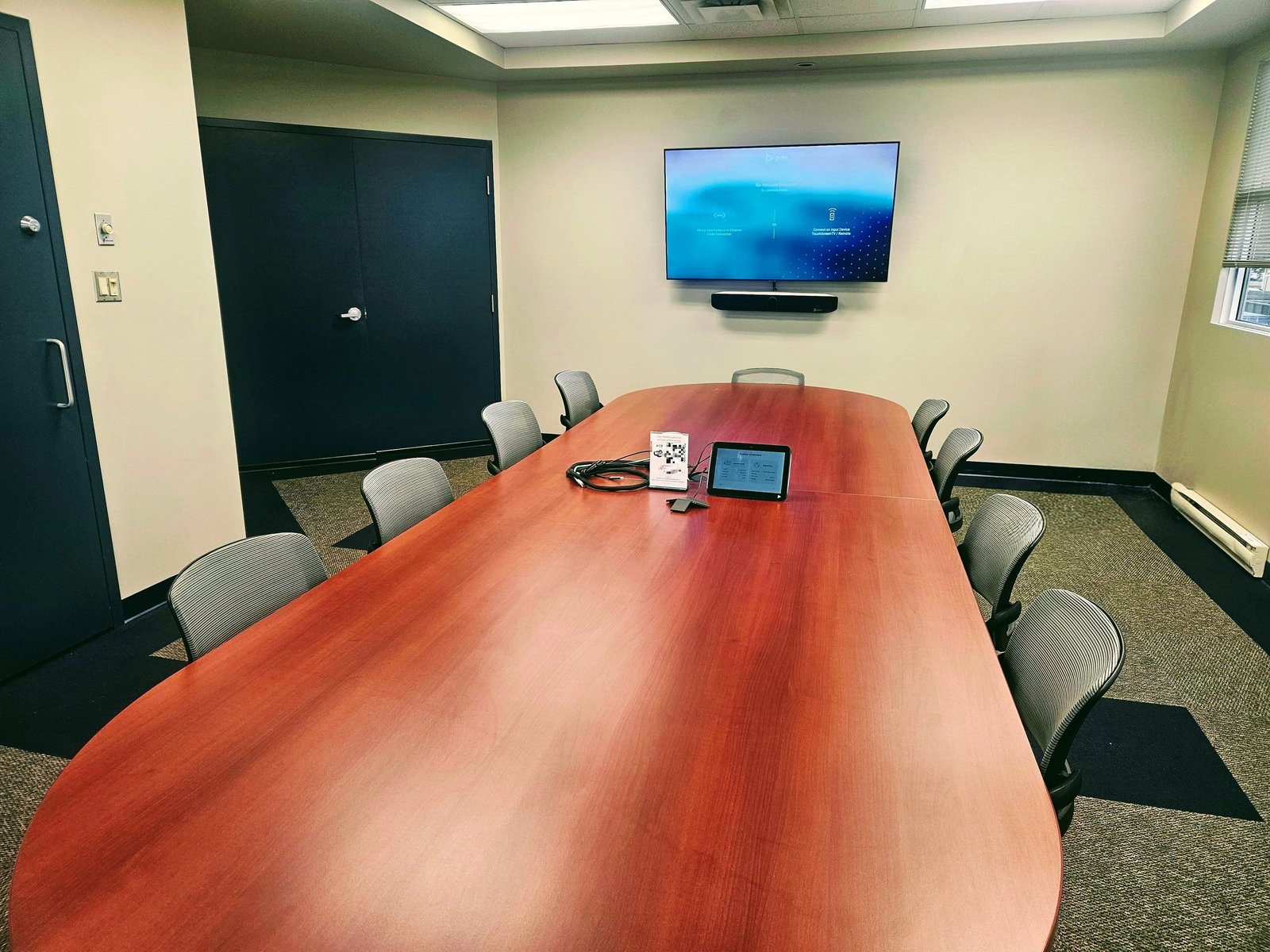
A conference room’s setup has a direct bearing on the effectiveness of meetings. An ideal setup is one that’s better placed to meet each session’s goals and enhance the experience of attendees, while corresponding with your audio visual needs.
Below are some of the conference room setups we design and install to make your meetings more effective.
We help you choose the setup style that best fits your meeting goals and audiovisual requirements.

Ideal for meal-centered meetings that encourage socialization, with optimal seating capacity and the best use of audiovisual technology.
Interlinked rectangular tables set at angles so no back faces the speaker, fostering team building, lectures, and video conferencing.
Oval or rectangular tables with chairs on both ends, giving room for visual presentations, teleconferencing, and large meetings.
Two U-shaped tables let participants face each other for discussion, with optimal capacity for teleconferencing and projection.
Chairs arranged in a V shape facing the speaker, encouraging eye contact and effective participation for training and seminars.
Audio visuals complete a conference room setup. If you’re not sure what equipment you need or how to create a specification, our team can visit to assess your requirements and recommend the setup that suits you best — from TV mounting and projector installation to full audio-video system design and ongoing maintenance.
Most boardroom complaints are the same: the call won’t connect, the far end can’t hear the people at the end of the table, or someone spends ten minutes hunting for the right cable. We design and install boardroom and meeting-room AV around how your team actually meets, so it starts with one tap and sounds clear from every seat.
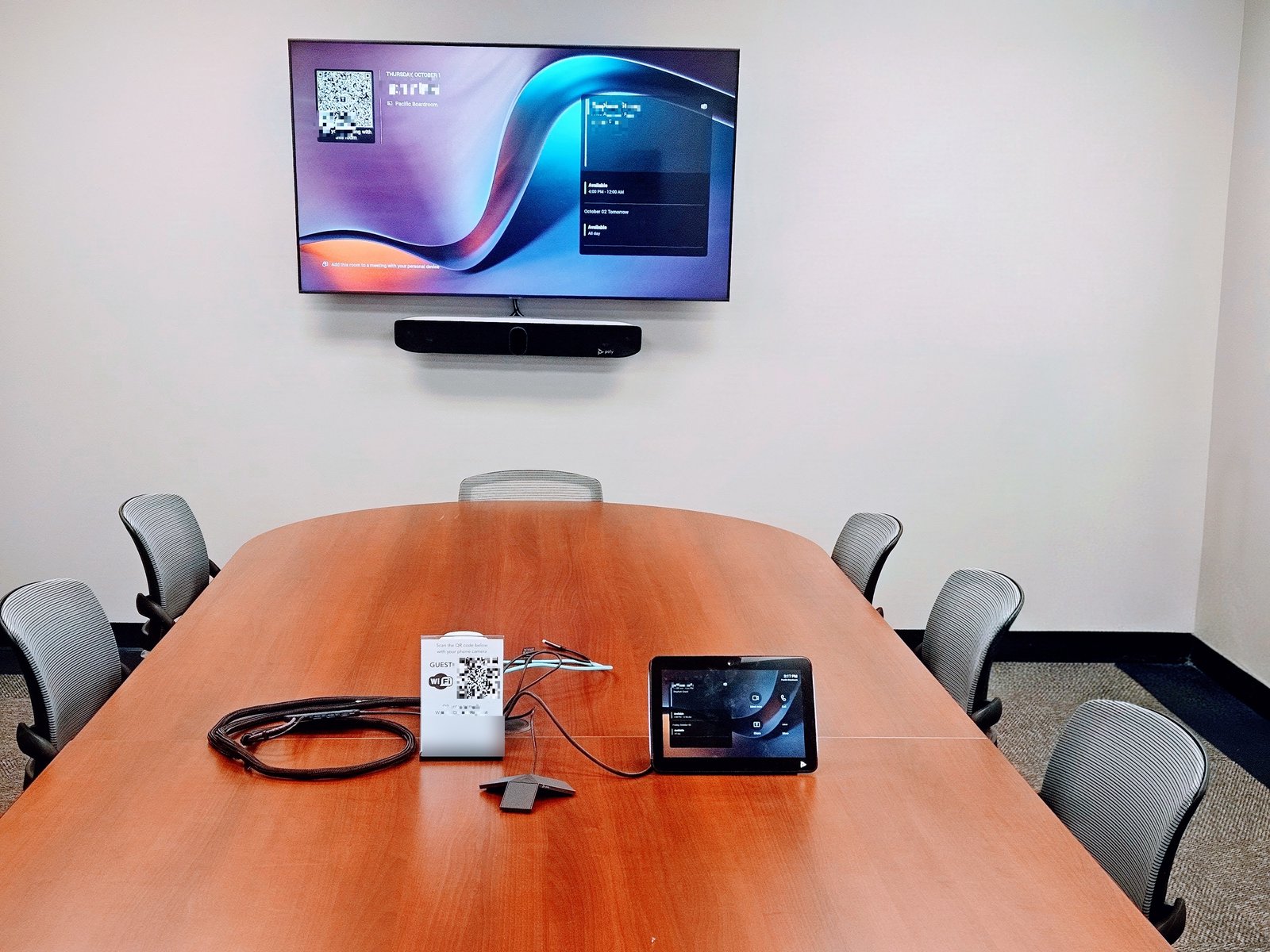
For a recent Ottawa boardroom we mounted a Poly Studio X72 video bar under the display, put a Poly TC10 touch controller on the table and added a table microphone so the far end of a long table comes through clearly. The room runs Microsoft Teams Rooms: staff walk in, tap Join on the controller and the meeting starts. The client’s IT team handled the Microsoft 365 room account; we handled the mounting, cabling, setup and staff walkthrough. Read more about Microsoft Teams Room installation in Ottawa.
1. Site visit. We look at the room size, table, seating, lighting, walls and where power and network already are. 2. Design and quote. You get a clear equipment list and a lump-sum price, and we coordinate with your IT team on network, accounts and licensing. 3. Install. Most single boardrooms are a one-day install when power and data are already behind the display. 4. Handover. Test calls, a staff walkthrough and a contact for support afterwards.
Planning the room itself? Our guide on how to set up a boardroom or conference room covers layout, lighting and acoustics.
Use whichever platform your company already meets on. Both run on certified video bars and touch controllers, and many rooms can still join the other platform’s meetings. We’ll set the room up for your platform and confirm the licence your IT team needs.
Yes. We regularly install client-supplied displays, video bars and controllers. We’ll check compatibility first and tell you if anything is missing, such as a mount, a longer cable or a table microphone.
It depends on the distance to the farthest seat and what you show on screen. Spreadsheets and documents need a bigger screen than video calls alone. We size it during the site visit so the back of the table can actually read it.
Yes, and we prefer to. We confirm network ports, PoE, firewall rules and room accounts with your IT team before install day, which is how a boardroom gets finished in a day instead of a week.
All of Ottawa and the surrounding region, including Kanata, Nepean, Barrhaven, Orleans and Gatineau. Call 613-627-0660 or request a quote to book a site visit.
Please complete the form below to request a quote, and we will be in touch.


