
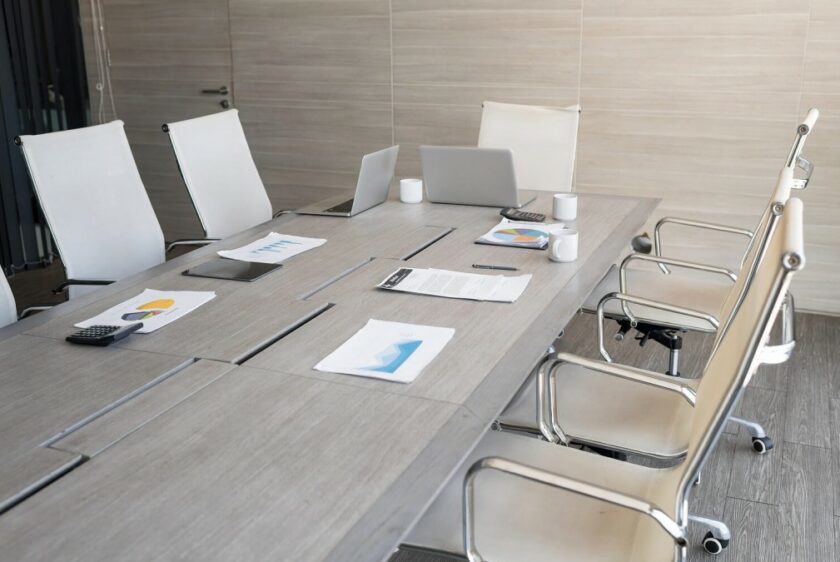
How to Set Up a Boardroom or Conference Room for Great Meetings
How to Set Up a Boardroom or Conference Room for Great Meetings
Everyone knows the meeting that starts ten minutes late because no one can get the screen to work, the far end can’t hear the person at the end of the table, or the video call won’t connect. A well-designed conference room makes all of that disappear — people walk in, it works, and the meeting starts on time. For Ottawa businesses, getting a boardroom right comes down to a handful of things done properly: the display, the audio, video conferencing, and control. Here’s how they fit together.
Start With the Display — Sized and Placed Right
The screen is the anchor of the room, and the two most common mistakes are a display that’s too small for the space and one mounted where half the table can’t see it comfortably. The right size depends on the distance from the farthest seat — a screen that looks big on the wall can still be unreadable from the end of a long boardroom table. For larger rooms, a bigger commercial display or a dual-screen setup (one for content, one for far-end participants on a call) keeps everyone included. Placement and mounting height matter as much as size: the goal is a clear, comfortable sightline from every seat.
Get the Audio Right — This Is Where Most Rooms Fail
Audio is the single most overlooked part of a conference room, and it’s usually what people mean when they say the room “doesn’t work.” One microphone in the middle of a long table won’t pick up the people at the ends; a single speaker means the far end sounds thin and hard to follow. A properly designed room uses microphone coverage matched to the table size and seating — often ceiling or distributed mics so everyone is heard clearly — and speakers placed for even, intelligible sound. When the audio is right, remote participants stop asking people to repeat themselves, and that alone transforms how meetings feel.
Video Conferencing That Connects on the First Try
Hybrid meetings are the norm now, and the room has to support them without a fight. That means a camera with the right field of view for the space — wide enough to frame the whole table, or a smart camera that follows whoever’s speaking — and tight integration with whatever platform your business runs (Teams, Zoom, Google Meet, or several). The best rooms are set up so joining a call is one tap, not a scramble of cables and logins. Designing the camera, mics, speakers, and display to work together as one system is what makes video conferencing reliable instead of a gamble.
Simple Control Anyone Can Use
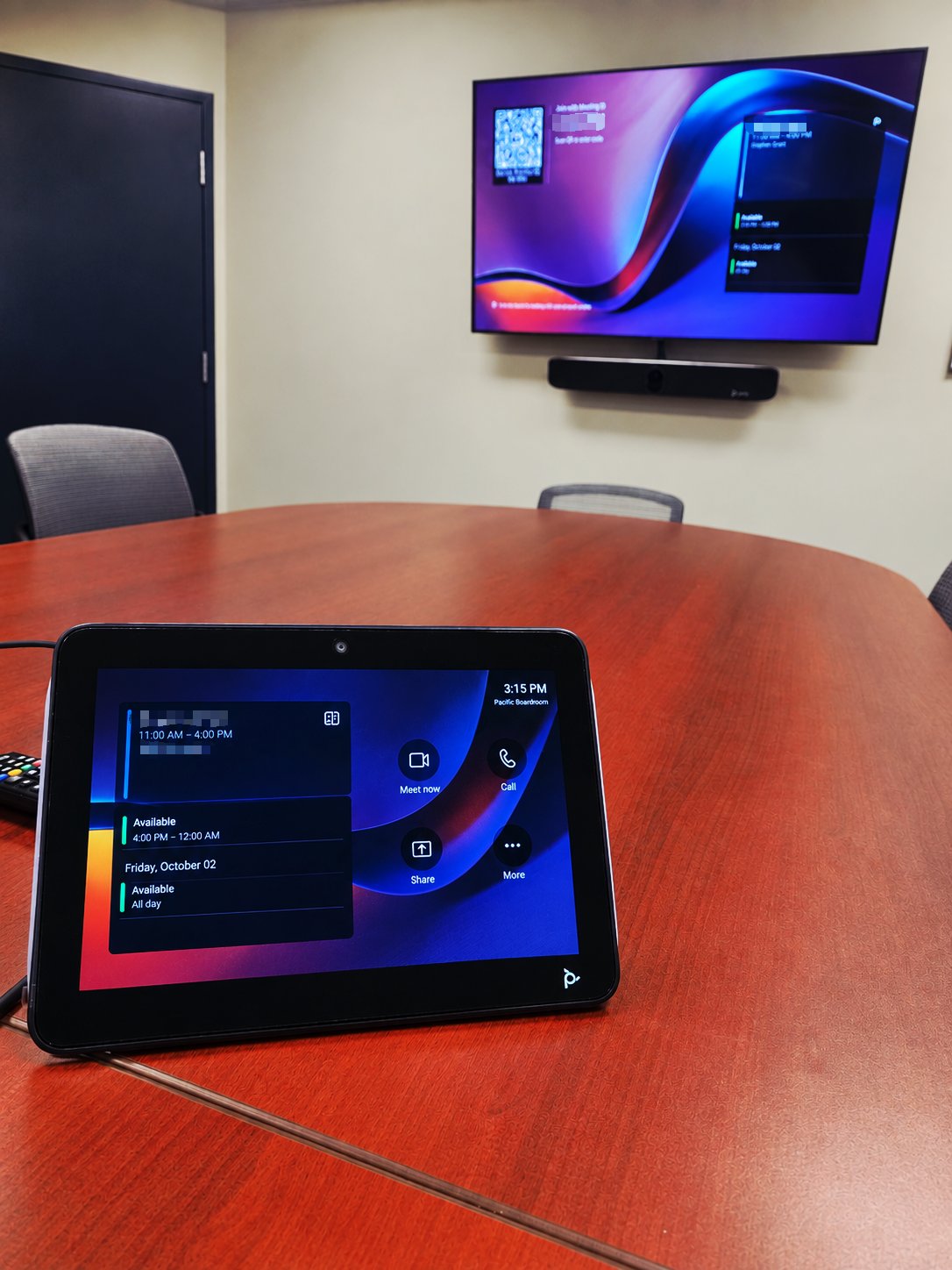
A conference room that only the IT person can operate isn’t finished. The whole system — display, source switching, call join, volume — should be controllable from one simple interface, usually a touch panel on the table or wall. Walk in, tap to start, tap to join the call, done. Good control design is what lets any employee or guest run a meeting without a tutorial, and it’s often the difference between a room that gets used and one people avoid.
Design the Room as One System
The reason so many conference rooms disappoint is that the pieces get bought and installed separately — a screen here, a speakerphone there, a webcam clipped on later — and they never quite work together. The rooms that just work are designed as one integrated system from the start: display, audio, camera, control, and connectivity planned around the room’s size, layout, and how your team actually meets. That’s the approach we take with boardroom AV setup in Ottawa — boardrooms, meeting rooms, and training spaces built to work every time, as part of our wider commercial audio visual installation work.
Planning a new boardroom or fixing one that never works right? Call 613-627-0660 or request a quote.